How to Send a Check with Nebraska Bank
Learn how to easily send physical checks using Nebraska Bank with Check Supply. Get premium mail options including Certified Mail, Priority Mail, and Express Mail that Nebraska Bankdoesn't offer.
Nebraska Bank
Trusted financial institution
Nebraska Bank is supported by Check Supply, enabling you to send secure, convenient check mailing services with premium options like Certified Mail, Priority Mail, and Express Mail that Nebraska Bankdoesn't offer.
Visit Nebraska Bank WebsiteNebraska Bank Bill Pay vs Check Supply
See how Check Supply compares to Nebraska Bank's traditional bill pay system. Unlike Nebraska Bank, Check Supply offers premium mail options including Certified Mail, Priority Mail, and Express Mail delivery.
| Feature | Nebraska Bank Bill Pay | Check Supply |
|---|---|---|
| Processing Time | 3-5 business days | Same day (before 3 PM EST) |
| Delivery Time | 5-7 business days | 1-5 business days |
| Mobile App | Limited mobile features | Full iOS app experience |
| Track Payments | Limited tracking | Real-time tracking |
| Setup Complexity | Complex online banking setup | Simple 2-minute setup |
| Customer Support | Bank call center | Dedicated mobile support |
| Certified Mail | Not available | ✓ Available Signature required, tracking number available |
| Priority Mail | Not available | ✓ Available 1-3 days, tracking number available |
| Express Mail | Not available | ✓ Available 1-2 day delivery, tracking number available |
Save money and time with Check Supply's superior features and pricing compared to Nebraska Bank's bill pay system. Get premium mail options that Nebraska Bankdoesn't offer.
💡 Why Choose Check Supply?
Premium mail options (Certified, Priority, Express) not available through Nebraska Bank, faster delivery, and a seamless app and web experience designed specifically for check mailing.
Jump to a walkthrough
Send a Check Using Mobile App
If you prefer sending checks from your phone, follow the iPhone app walkthrough below.
Step 1: Get Started with Check Supply
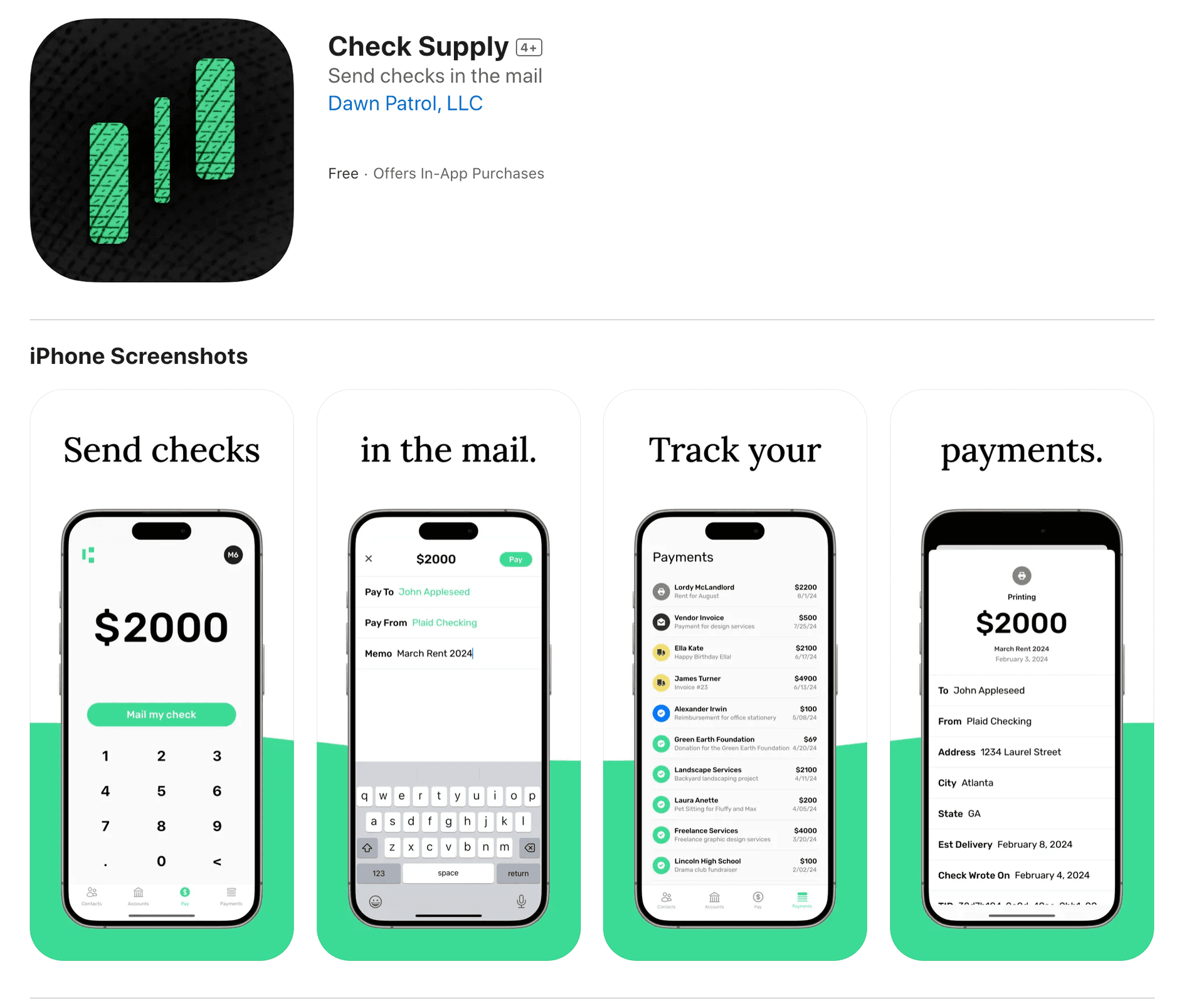
Get Check Supply by downloading our iOS app from the App Store or signing in to our web app.
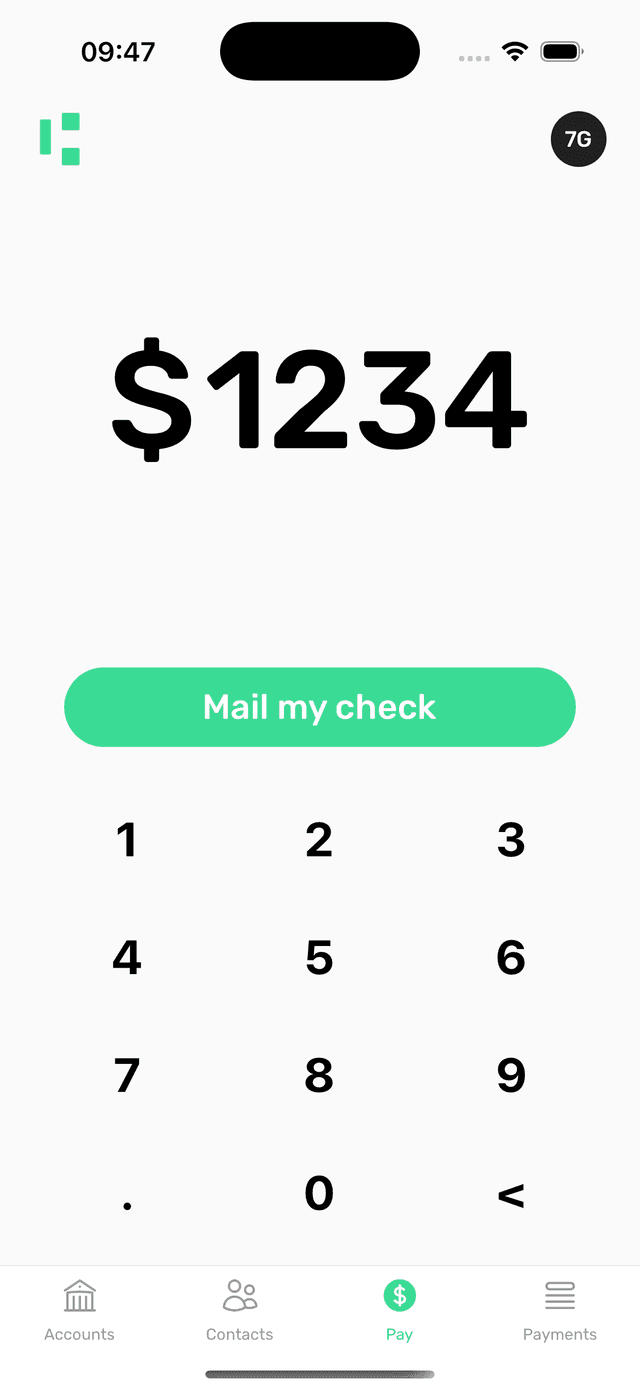
Step 2: Enter the Payment Amount
Open the app and navigate to the Pay tab. Type in the amount you want to send and tap Mail My Check.
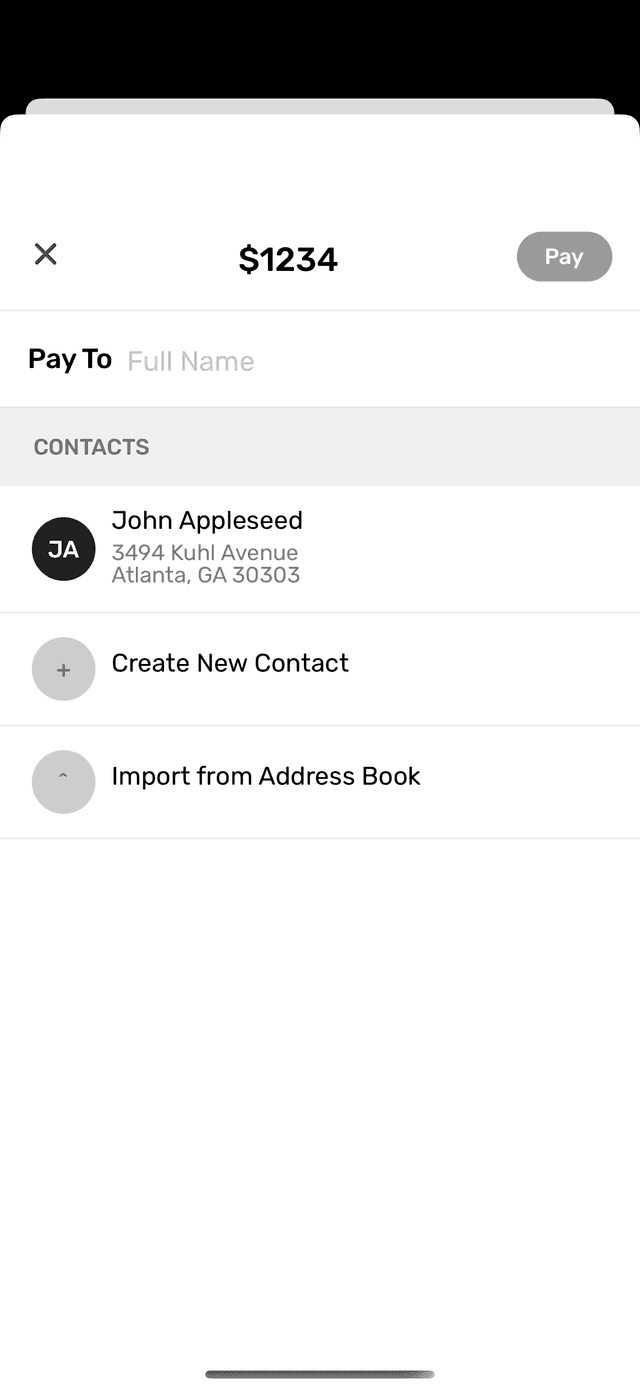
Step 3: Add Recipient's Details
Input the name and address of the person you wish to send the check to. You can also import this information from your iPhone's contact list for added convenience.
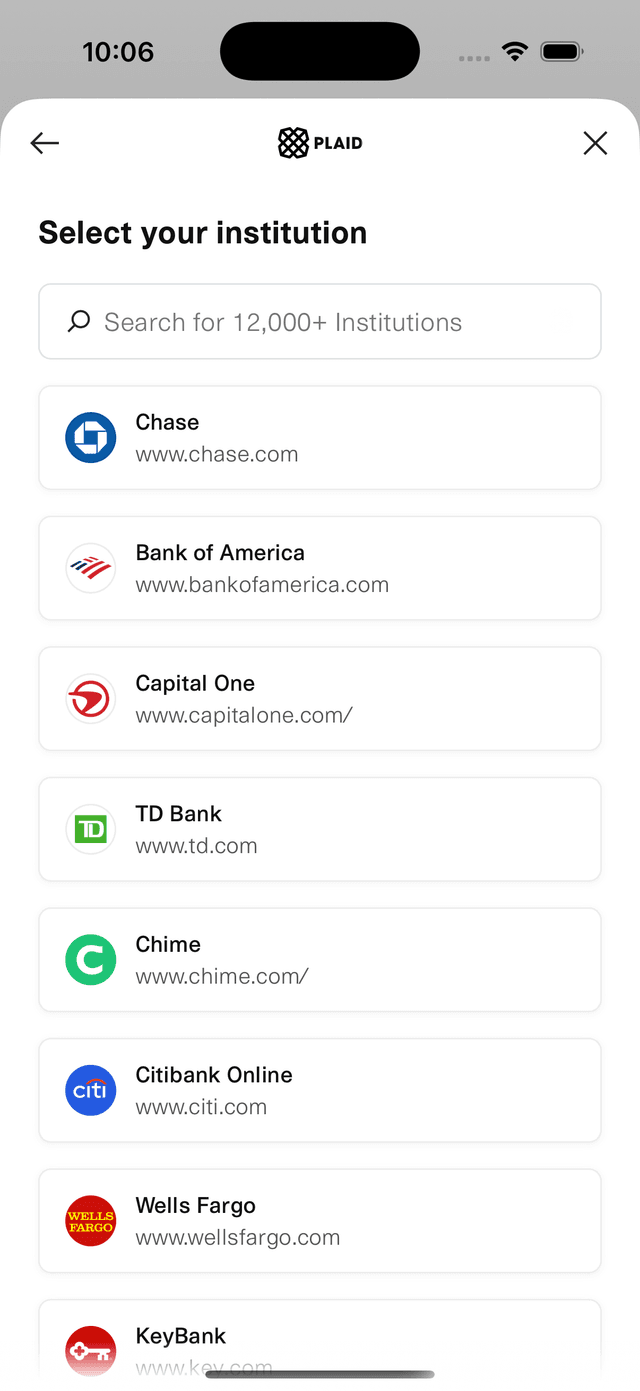
Step 4: Connect Your Nebraska Bank Account
Connect your Nebraska Bank account securely using Plaid. Your financial information is encrypted and stored only with Plaid; Check Supply never accesses or stores your sensitive data.
Important: Use a checking account or money market account, not a savings account. Most banks do not allow savings accounts to fund or cash checks, so savings accounts are not supported for mailed check payments. Check with your bank to confirm account compatibility before sending a payment.
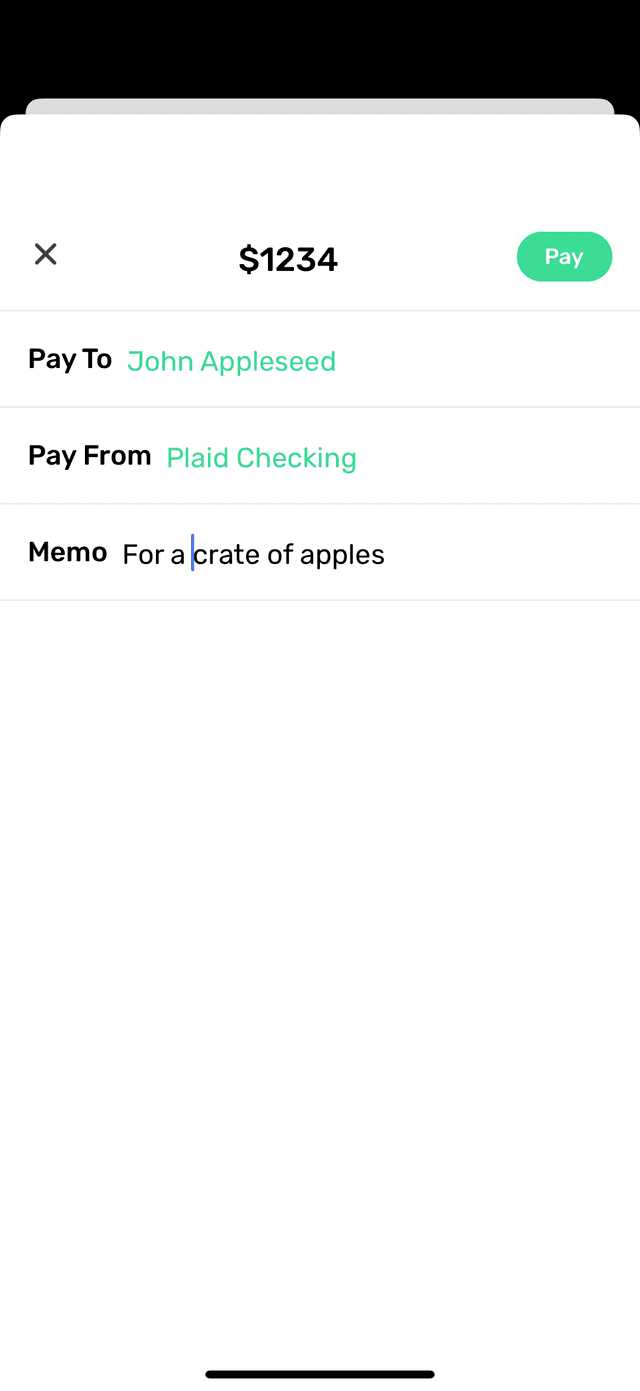
Step 5: Optional Memo or Note
Add a memo or note to be printed on the bottom left corner of the check. This step is optional. When you're ready, tap Pay.
Step 6: Review and Confirm
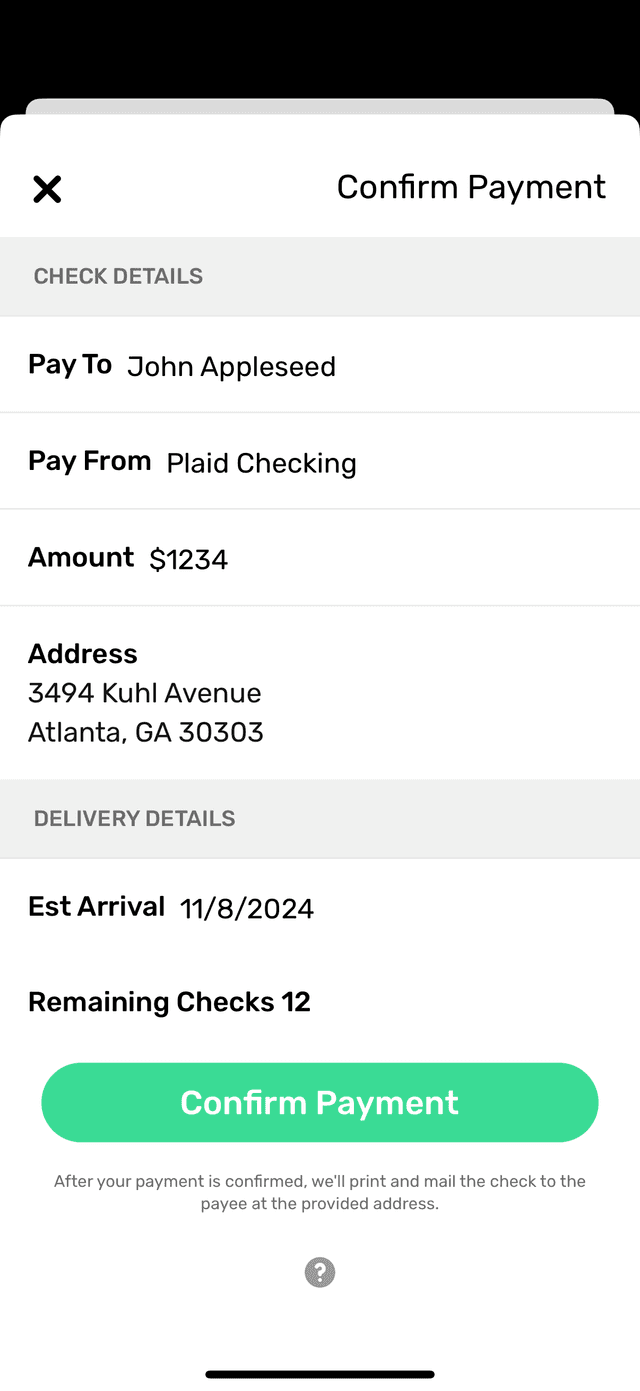
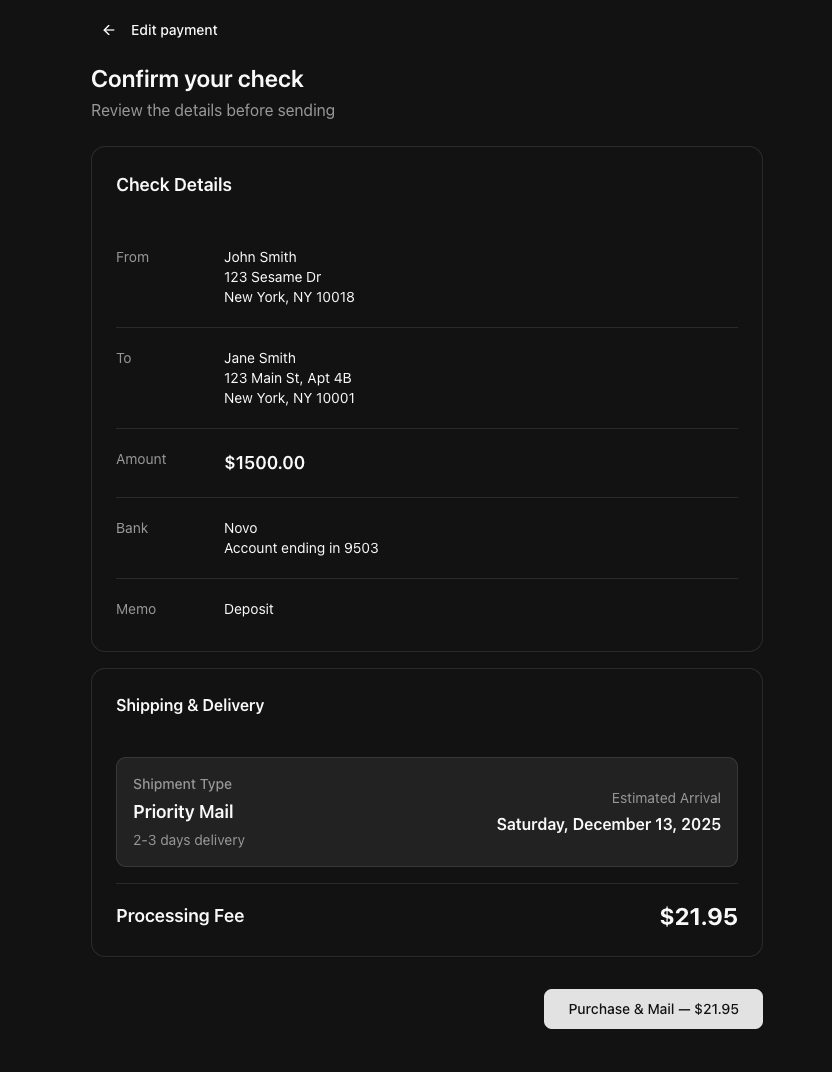
You'll see a confirmation page to review all the details. Confirm and pay for the service. If completed before 3 PM EST on a business day, your check will be printed and mailed the same day.
Step 7: Track Your Check
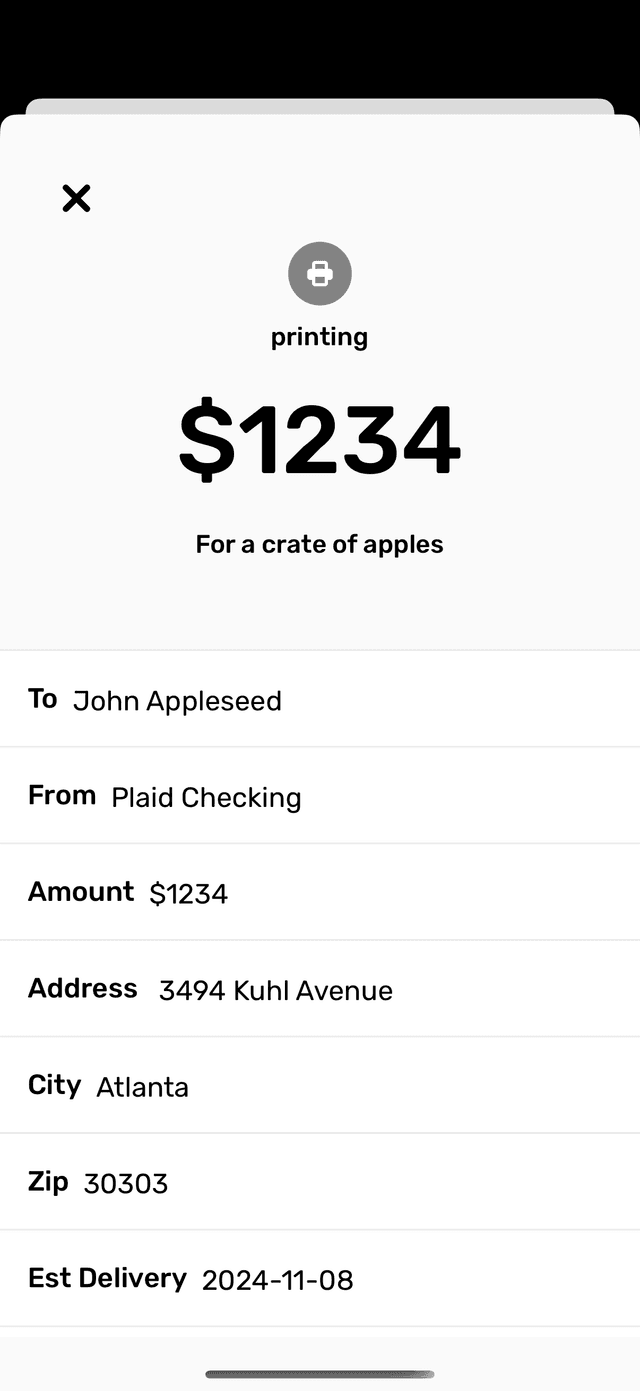
Under the Payments tab, you can track your checks. Most are delivered within 1-5 USPS business days, including Saturdays.
Send a Check from Your Browser or Desktop
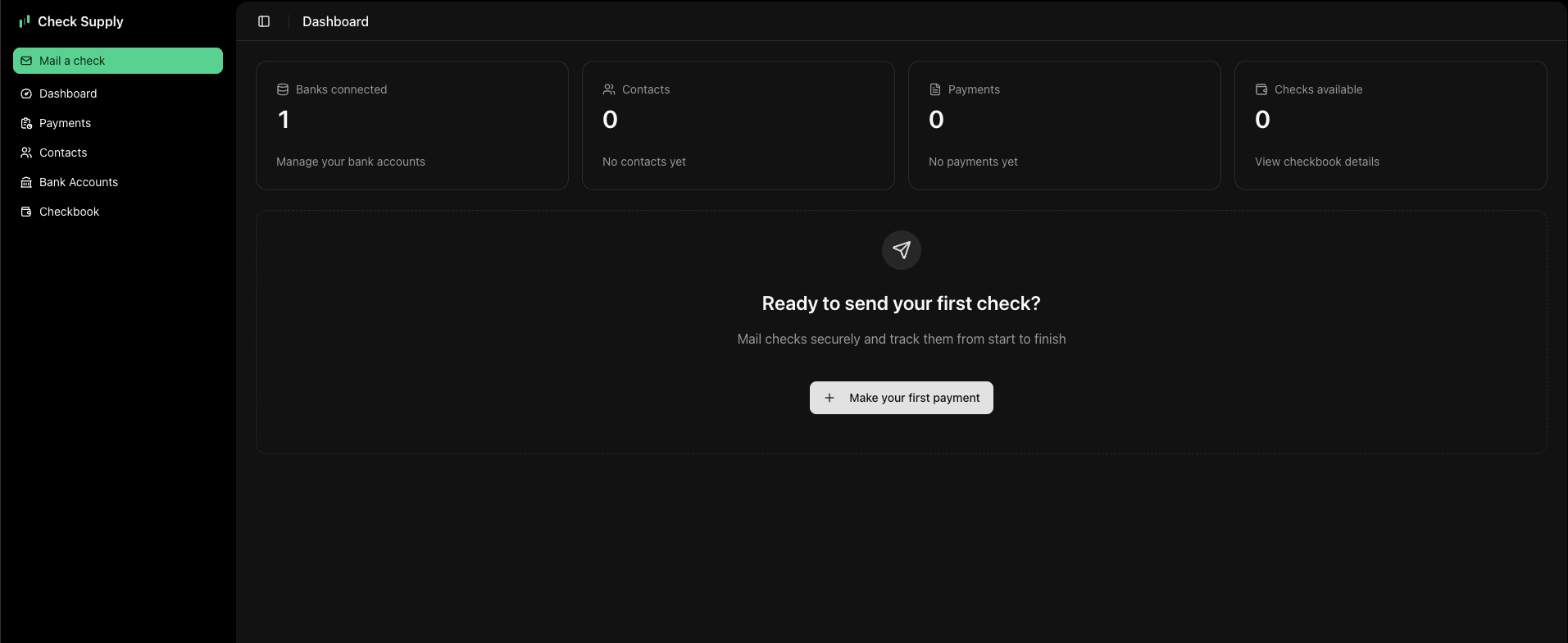
Need to send a check from your desktop or laptop? Check Supply Web gives you the same core workflow right in your browser.
Sign in at my.check.supply. If you already created an account from the iOS app, your payment history and contacts will still be available in the web app. Check Supply Web is compatible with major browsers and operating systems, including Chrome, Safari, Firefox, and Edge on Windows and Mac.
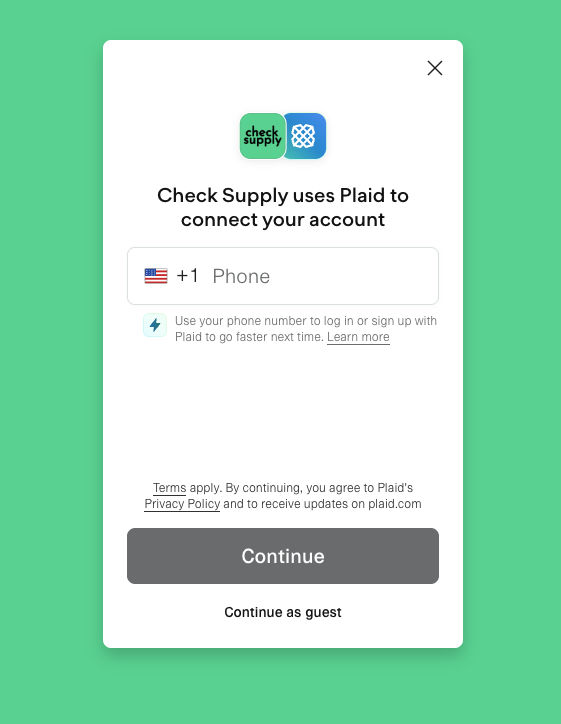
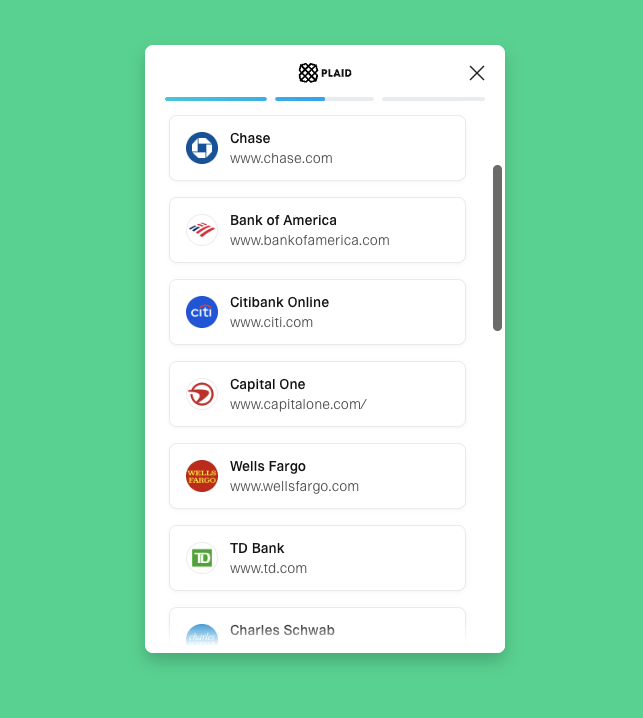
Step 1: Connect Your Nebraska Bank Account
Connect your Nebraska Bank account securely using Plaid in your browser. We support thousands of institutions, and your login credentials stay encrypted and stored only with Plaid.
Important: Use a checking account or money market account, not a savings account. Most banks do not allow savings accounts to fund or cash checks, so savings accounts are not supported for mailed check payments. Check with your bank to confirm account compatibility before sending a payment.
You can verify your identity and account ownership in seconds, then start mailing checks right away.
Step 2: Enter Payment Details & Validate Address
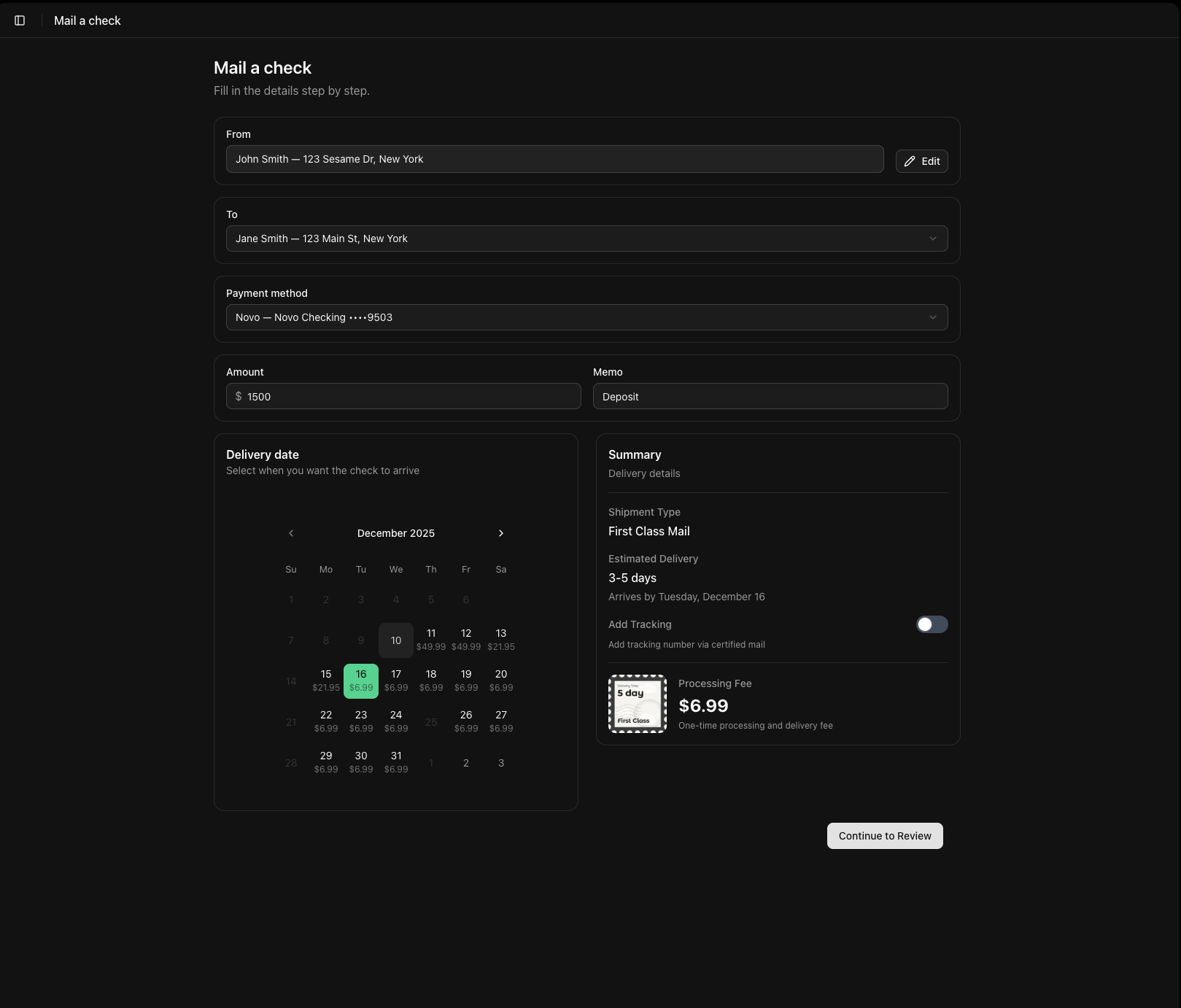
Open the Paytab, enter the recipient's name and mailing address, and fill in the payment amount.
Check Supply uses built-in USPS address validation to help catch formatting issues before your check is mailed.
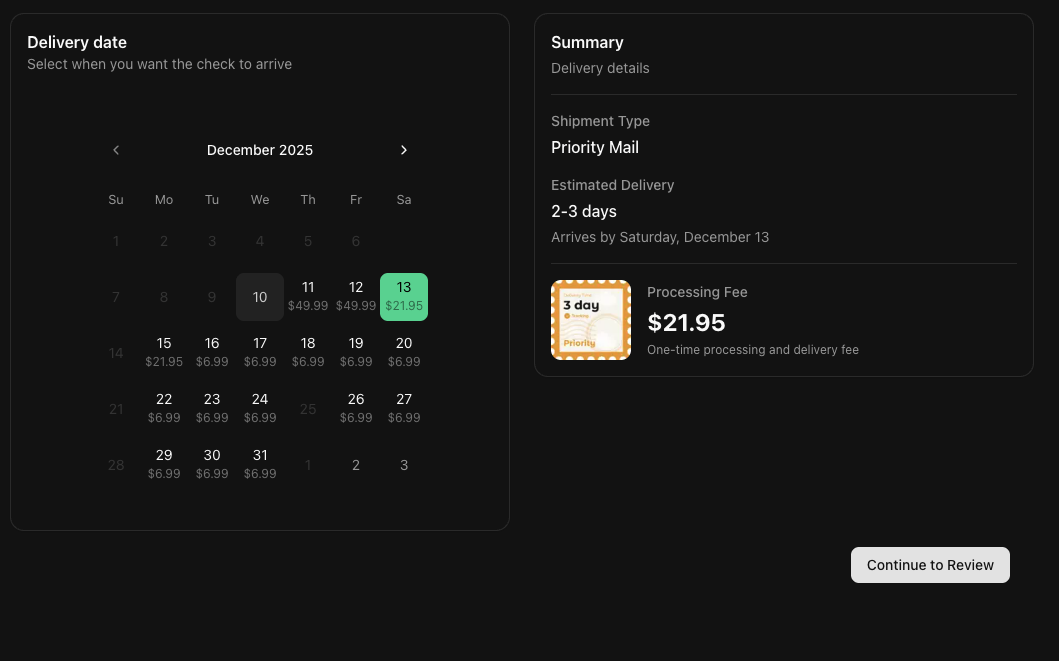
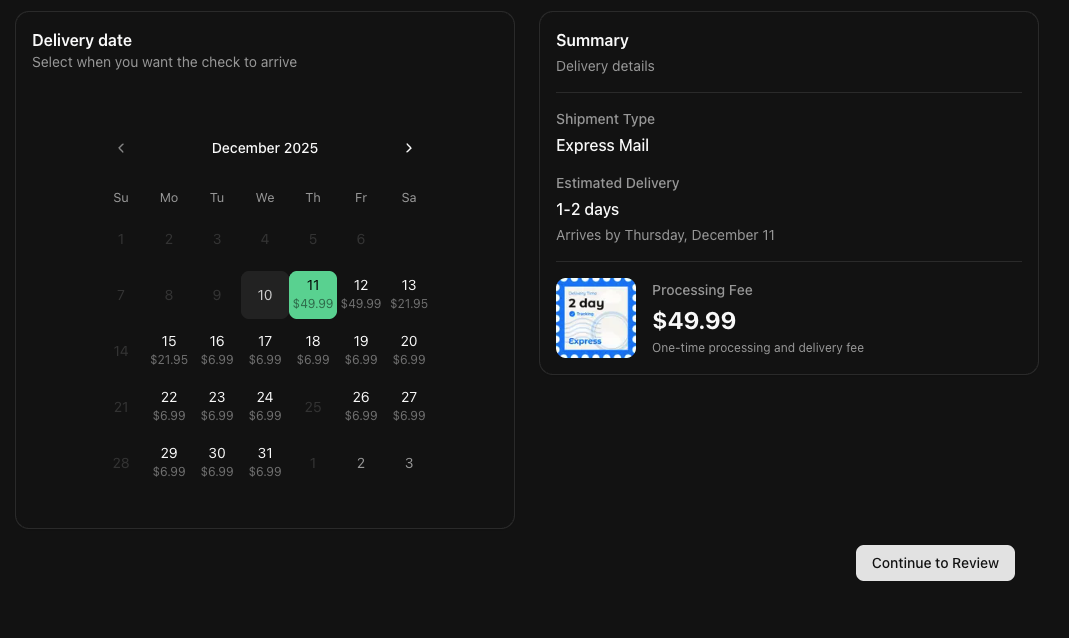
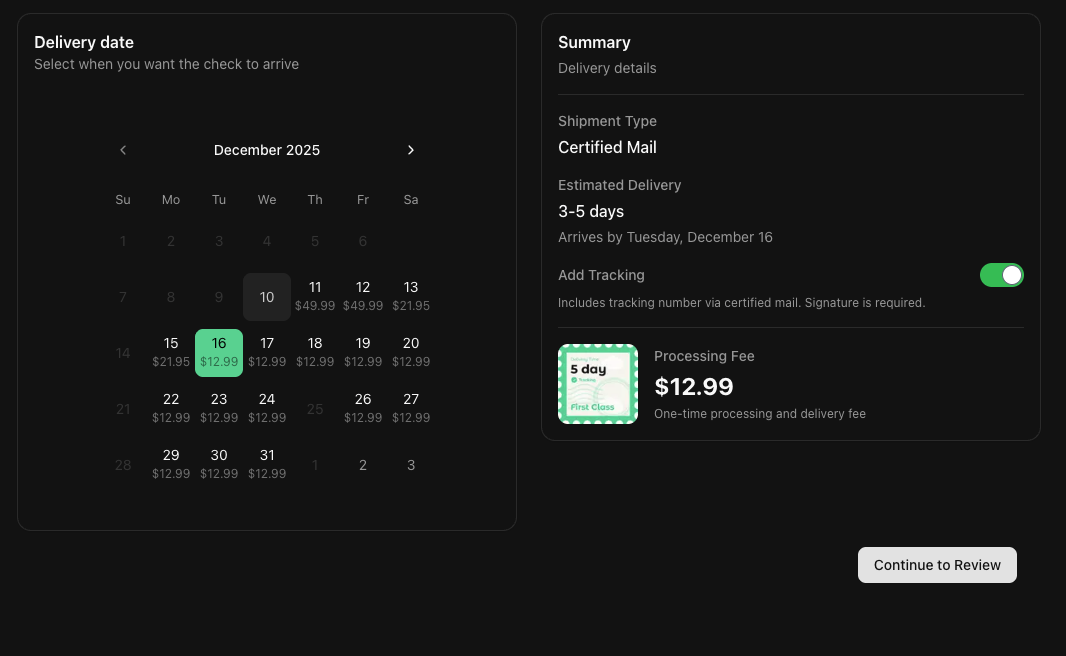
Step 3: Choose Your Shipping Speed
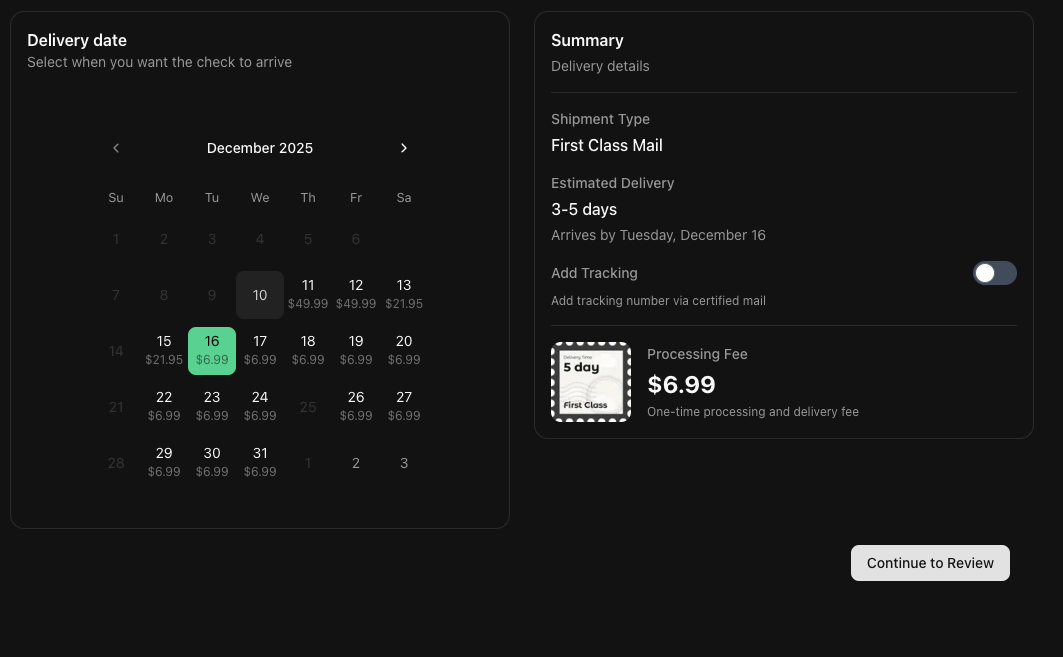
Pick the delivery option that matches your timeline. Unlike standard bank bill pay, Check Supply gives you multiple mailing speeds directly in the web app:
- First Class Mail: Standard delivery, usually 3-5 business days.
- Priority Mail: Faster tracked delivery, usually 2-3 business days.
- Express Mail: Fastest option for urgent payments, usually 1-2 days.
- Certified Mail: Proof of mailing and delivery for sensitive payments.
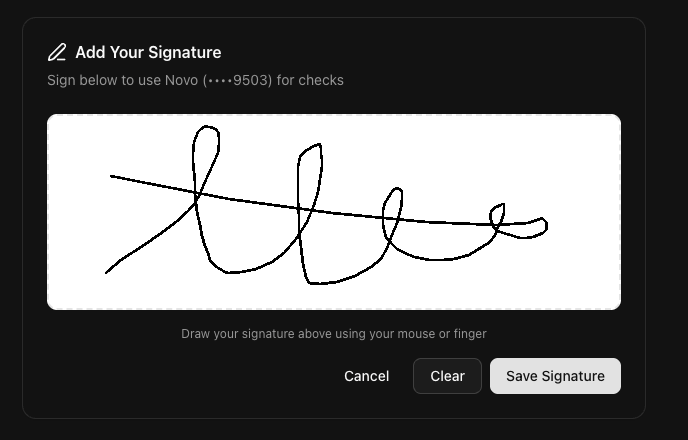
Step 4: Add Your Signature
Draw your signature directly on screen with your mouse or trackpad so the check is authorized before sending.
Step 5: Review and Send
Review the payment details, delivery estimate, and total cost, then confirm the mailing. Once submitted, your check is sent to our printing facility for processing.
Conclusion
Sending a physical check with Nebraska Bank has never been easier. With Check Supply, you get access to premium mail options like Certified Mail, Priority Mail, and Express Mail that Nebraska Bankdoesn't offer. Whether you prefer your iPhone or a desktop browser, you can handle the full flow quickly, securely, and without any hassle.
Disclaimer: This page is an independent guide by Check Supply and is not affiliated with this institution.
Nebraska Bank
Routing Numbers
Send checks securely with Nebraska Bank through the Check Supply app or web experience